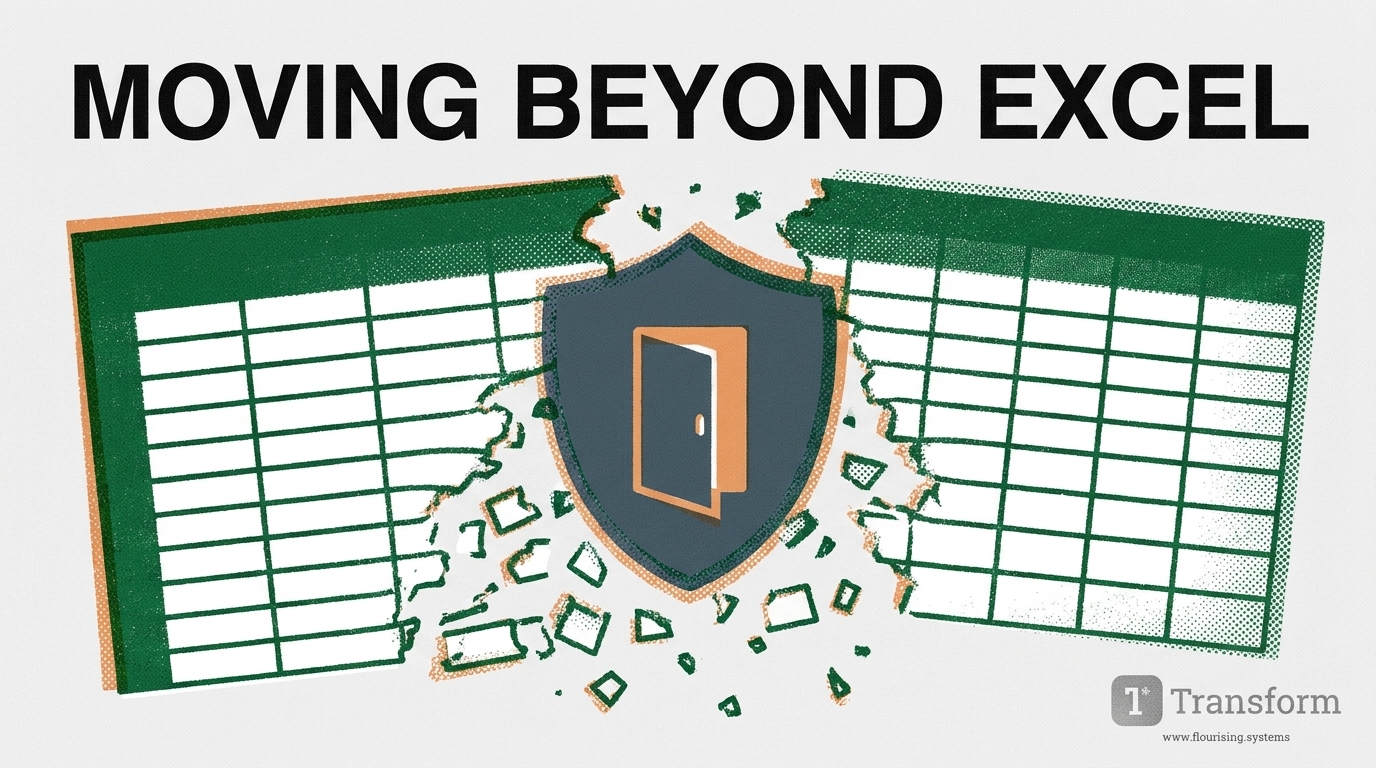
Elena, an Operations Director at a regional shelter network, stared at a row of highlighted red cells on her monitor. It was 6:00 PM on a Thursday, and her agency’s master client tracking sheet—a massive workbook with 28 separate tabs—had just corrupted.
A well-meaning program coordinator had accidentally overwritten a formula while logging bed counts. Now, three months of participant housing trajectories, demographic markers, and crisis notes were displaying
Elena took a deep breath, called her IT volunteer, and spent the next four hours piecing together fragmented backup versions from local desktop drives.
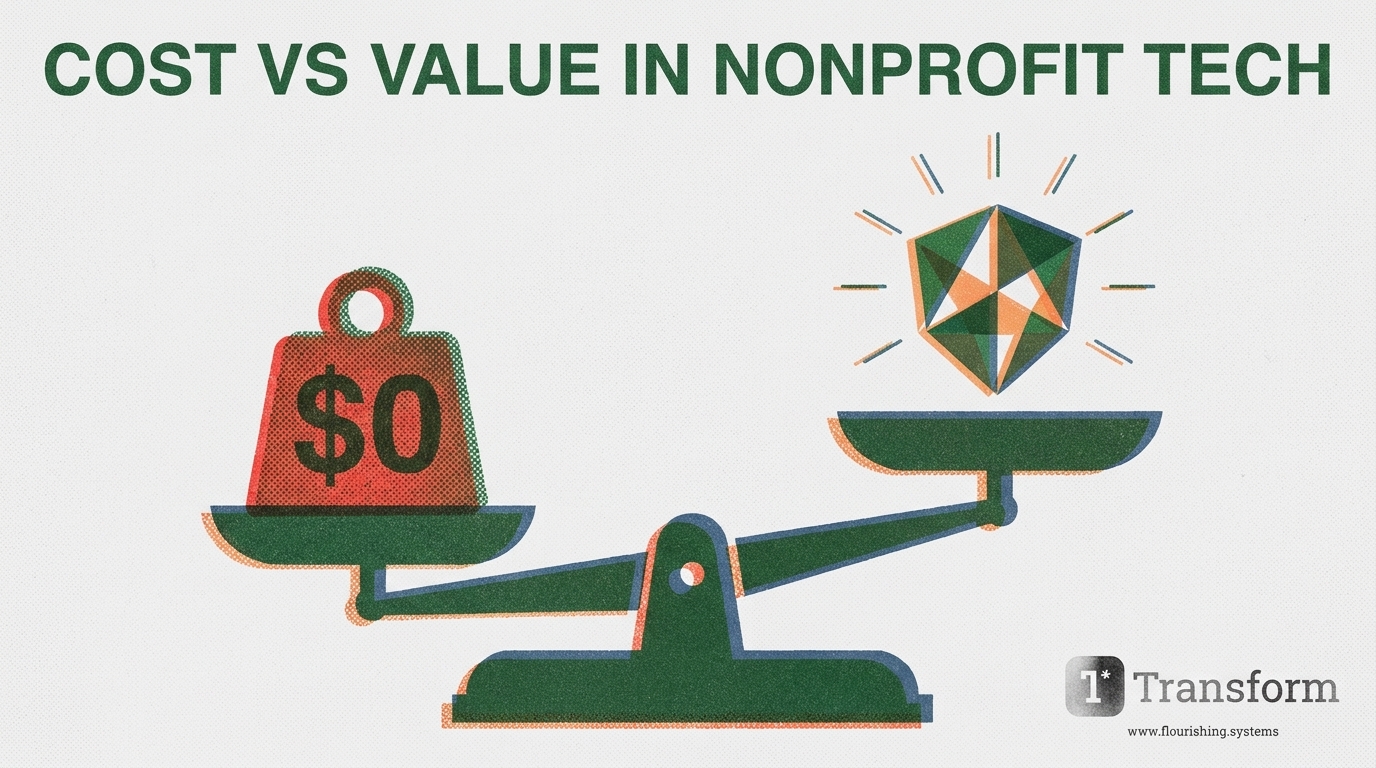
Scenes like this unfold across the social services sector every week. Organizations begin using Excel or Google Sheets out of necessity. Spreadsheets are free, familiar, and require no lengthy software procurement process. When an agency is young or serving a small cohort, flat files feel like an efficient, scrappy choice.
However, as programs scale and client needs grow more complex, those same spreadsheets quietly evolve into an operational bottleneck.
Sector data on non-profit operational risk shows that over 80% of spreadsheets used for ongoing program tracking contain manual entry errors, broken formulas, or unencrypted data exposures. What started as a zero-cost tracking tool becomes a primary driver of staff burnout, corrupted funder reports, and privacy vulnerabilities.
If your agency feels trapped in manual spreadsheet processes, this guide outlines why flat files break down, the risks of staying in Excel, and how to transition seamlessly to purpose-built software.
Why do spreadsheets inevitably fail social service teams? Flat files were created for static accounting and financial modeling, not for dynamic human relationships.
When applied to case management, spreadsheets create four structural failure points:
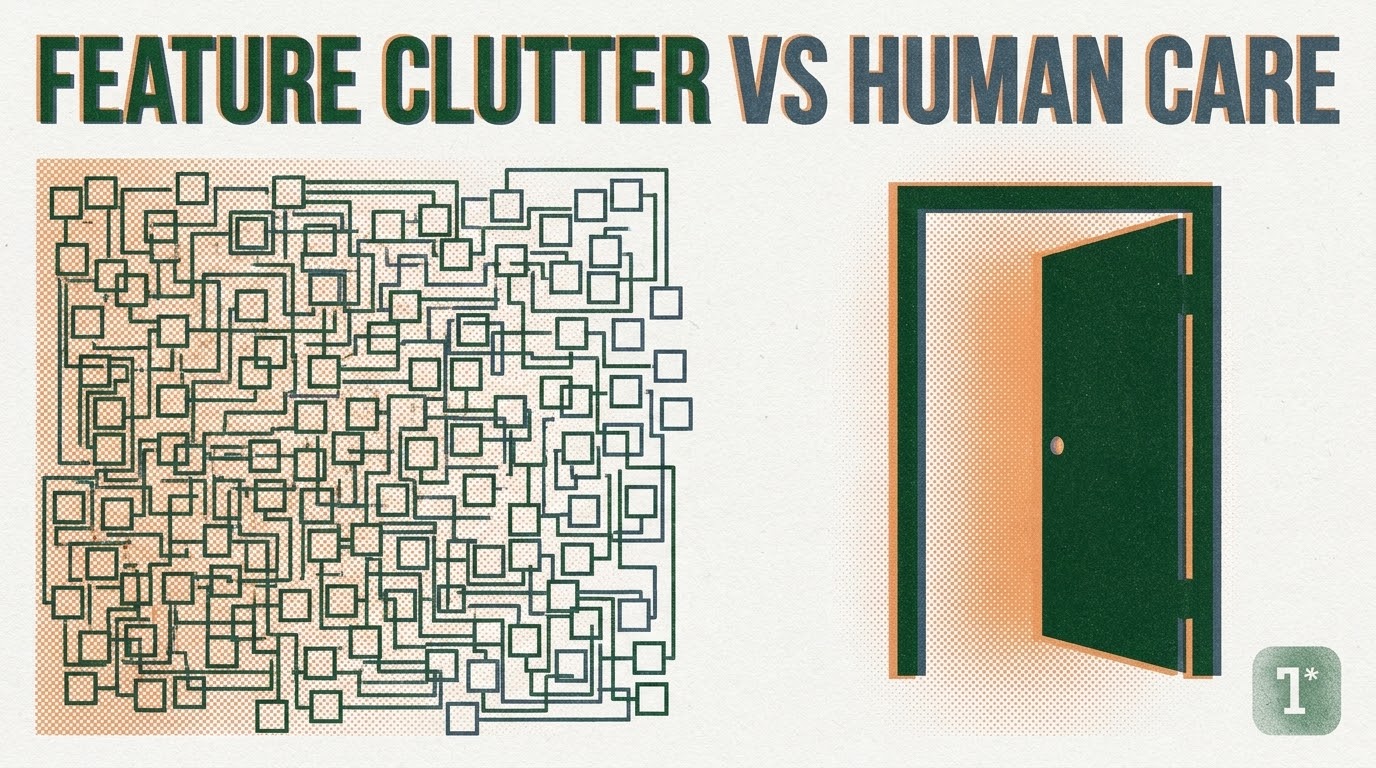
Human lives do not fit into flat rows and columns. A participant might enter a shelter, move to transitional housing, participate in mental health counseling, and access emergency food support—all within a single month. Excel forces caseworkers to compress complex human stories into static cells, stripping away context and forcing workers to choose between inaccurate drop-downs or endless narrative blocks.
When an agency uses disconnected spreadsheets across different programs, a client who accesses multiple services must be re-entered into every single sheet. Caseworkers spend up to 40% of their working hours copy-pasting names, birthdates, and intake notes across multiple files, driving frontline worker burnout.
Storing personal health information (PHI) or personally identifiable information (PII) on desktop spreadsheets creates severe compliance liabilities under PIPA, PHIPA, and PIPEDA. Unencrypted files saved on staff laptops, shared via standard email, or stored on unsecured drives lack role-based access limits, audit logging, and data residency guarantees.
Because spreadsheets cannot automatically calculate outcomes or track participant progression over time, Executive Directors are forced to manually reconstruct data when grant reports are due. Preparing logic models and funder outcomes turns into a days-long detective exercise.
Operational AreaExcel / Google SheetsPurpose-Built Case Management (Transform)
Data Integrity
High risk of cell corruption, formula overwrites, and broken links
Centralized, relational database with automated validation
Privacy & Security
Unencrypted desktop files, no granular access permissions
Full PIPA/PIPEDA compliance, Canadian data residency, role-based controls
Frontline Workflow
Rigid, repetitive manual copy-pasting across tabs
Fluid, narrative-first intake and automated background data structuring
Funder Reporting
Days spent manually calculating totals and outcomes
Automated background translation into funder logic models and maps
Audit Readiness
High risk of privacy audit failure due to scattered files
Complete audit logging, role-based security, and OCAP alignment
Transitioning away from spreadsheets does not have to disrupt your daily client care. Follow this structured roadmap to evaluate, choose, and migrate to modern software:
Map every spreadsheet currently used across your organization. Document who owns each sheet, what data is collected, and how often files are edited. Identify where dummy data or workarounds are being used to bypass sheet limitations.
Ensure any new platform delivers non-profit case management software Canada agencies can rely on for PIPA PIPEDA compliant case management. Verify that client data resides strictly on Canadian soil and meets local data governance requirements, including OCAP principles if working with Indigenous constituents.
Avoid complex legacy enterprise databases (such as ETO or Apricot) that require dedicated database managers. Choose software co-designed with frontline practitioners to ensure intake workflows are simple, trauma-informed, and intuitive.
Before migrating into a new system, standardize client records. Remove duplicate profiles, archive inactive historical records, and ensure baseline fields are clean.
Migrate one program at a time. Start with your highest-volume intake program, train caseworkers on the platform, and refine workflows before expanding agency-wide.
Transform was born inside a frontline Edmonton charity specifically to rescue agencies from spreadsheet chaos. Designed as an ETO software alternative, an Apricot software alternative, and a Bonterra alternative for nonprofits, Transform delivers the simplicity of a spreadsheet with the security and power of an enterprise platform.
By moving past manual sheets, your agency reclaims hundreds of staff hours, protects constituent dignity, and makes grant reporting effortless.
Are you ready to retire your master tracking spreadsheet for good? Connect with our Edmonton-born team today to review a personalized data migration plan or request a demo.
Schedule your free demo today and experience the Transform difference.